

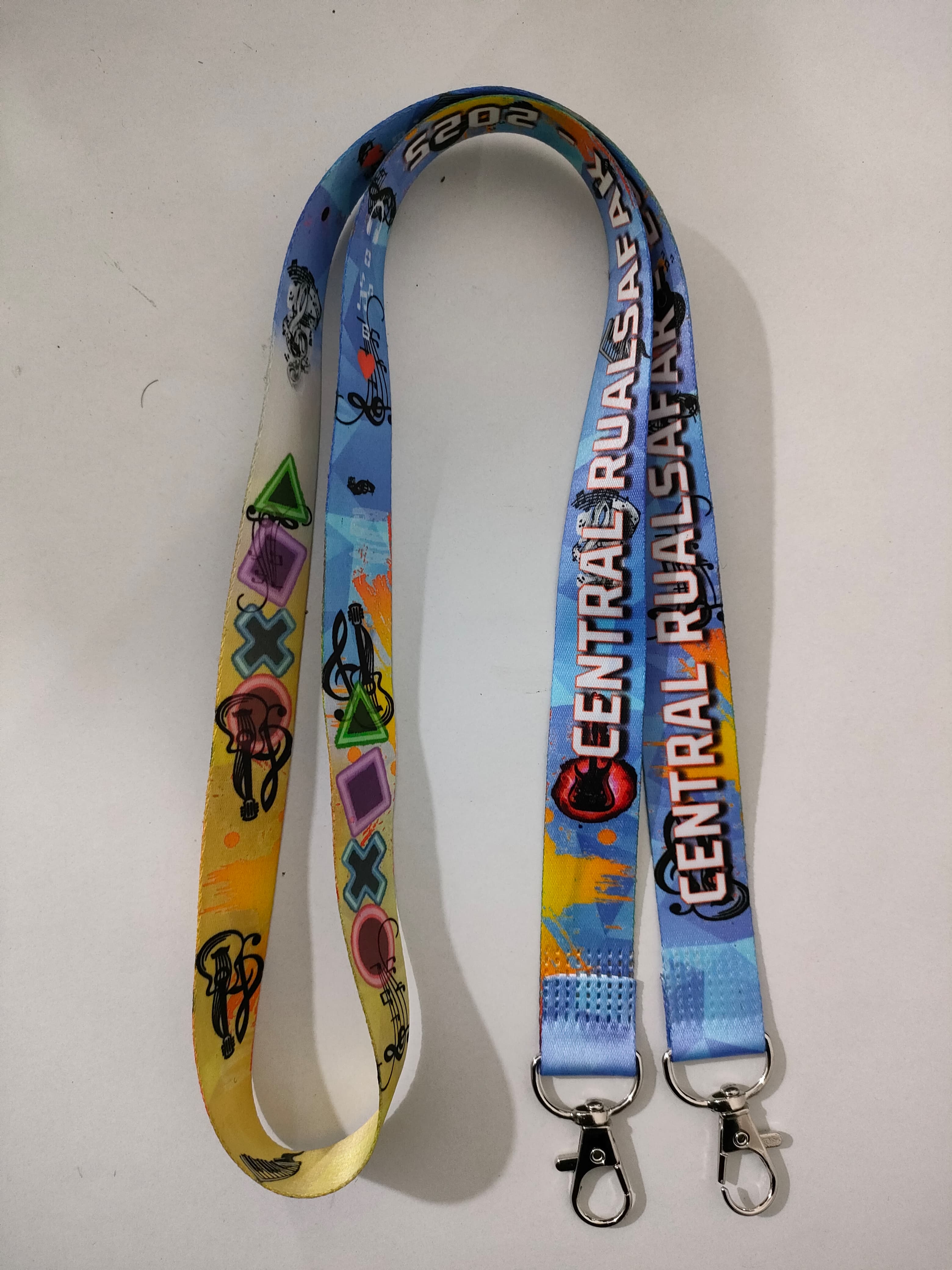
Lanyard Engineering
6 min read
Why Ultrasonic Sealing Is Used for Institutional Lanyards
How ultrasonic welding joins lanyard ends and seals cards, the materials it works on, its limits, and what buyers should check before ordering.
Badge size, name legibility, colour coding, lanyards, on-site reprints and a timeline, drawn from how event teams actually run registration.
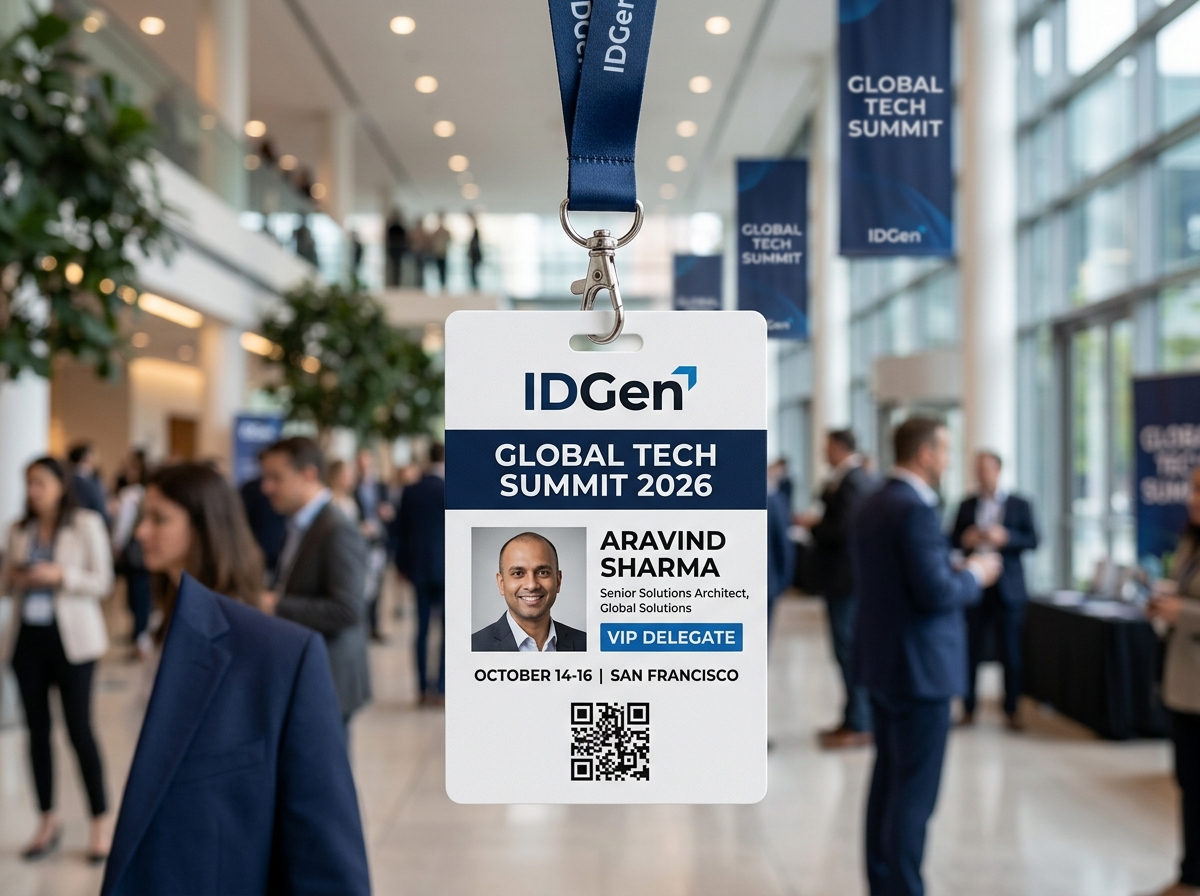
Write down the badge's jobs. For most events these are: identify the person (name and organisation), show their category (delegate, speaker, volunteer, press, VIP), grant or block access to certain areas or meals, and, for some events, record attendance through a QR code or RFID chip.
Each job has a design consequence. If the badge needs to be scanned, it needs a clear code and a flat, rigid surface. If it controls access, it needs a colour or symbol that a volunteer can read in a second.
The name is the point. People read badges while standing a metre or two away, usually while talking, so the first name should be the largest text on the badge, with the organisation and category below it. Put the event name and logo smaller at the top or bottom, not in the middle.
Choose a plain, bold typeface. Avoid thin or decorative fonts and avoid text over busy backgrounds. Check long names early: if a name will not fit, decide in advance whether to shrink it or abbreviate it, rather than having the printer decide.
Keep the back useful. A programme, a Wi-Fi code, an emergency number or a venue map on the back turns a badge into something people keep wearing.
Colour is the fastest signal. Use a colour band or a different lanyard colour per category, and keep it to four or five. When there are more categories than colours, use a short code or icon in addition.
Make each colour mean one thing across the whole event. If green is for volunteers at registration, do not also use green for a meal pass. Brief volunteers and security with a one-page key, and print the key on the back of the volunteer badges.
Print one sample of each colour and look at it in the dimmest room and the brightest corridor of the venue. Colours that are clear on screen can look identical under stage lighting.
Width. A 20 mm lanyard is a common choice for adults and gives room for a printed logo or sponsor name. Sponsors often pay for lanyards, so decide early who gets the print area.
Material. Polyester ribbons suit full-colour sublimation printing. Satin has a smoother look.
Attachment. A fish hook or swivel hook is quick to attach and to change. Breakaway connectors release under a strong pull and are sensible where crowds, machinery or children are involved.
Holder. Choose a holder that matches your badge orientation, and one that lets the badge be changed on the day. Our holder guide explains the options.
Check that the badge hangs the right way up. A flipped badge hides the name, and the cure is usually a holder that does not rotate or a lanyard with a clip at the right position.
Expect late registrations, misspelt names and lost badges. Order spare blank badges in each category, in the same print run so the colours match, and set up a small reprint desk with a printer and the master list.
Hand out badges in alphabetical or category queues, with the list printed and a second copy on a laptop. If you use scanning, test the scanners on the real badges the evening before.
Work backwards from the day.
• Four weeks before: settle categories, colours, layout and quantity.
• Three weeks before: send the artwork and the first data file. Approve a proof.
• Two weeks before: send the final list of names. Approve the final proof.
• Ten days before: production. At IDGen, orders are dispatched within 72 hours of approval, from our Guwahati facility, by courier.
• One week before: badges and lanyards arrive; check counts, test scanners, brief the registration team.
Late changes will always arrive. Keep ten to fifteen per cent spares and a reprint option rather than reopening the main order.
These are the mistakes we see most often.
• Setting the name too small because the sponsor logo is large.
• Using more than five colours, so nobody remembers what each one means.
• Printing every badge only once, with no spares and no reprint option.
• Choosing a lanyard clip that flips the badge backwards.
• Testing scanners only on screen, not on the printed badge.
How many spares should we order? Ten to fifteen per cent is a sensible start for most events, split across categories.
What size should the name be? Large enough to read from a metre or two away; make it the largest text on the badge.
Can badges be both printed and scanned? Yes. Add a QR code or an RFID chip, and test the scanners on the real badges beforehand.
How early should we order? Four weeks before the event is comfortable for a first order; settle design and colours early.
Can sponsors get a lanyard print area? Yes, but agree the print area, text and colours early so the design is approved in time.
Oversees cleanroom variable-data production, ultrasonic lanyard fabrication, and automated RFID access testing for schools, universities, and enterprise workforces across Northeast India.
How ultrasonic welding joins lanyard ends and seals cards, the materials it works on, its limits, and what buyers should check before ordering.
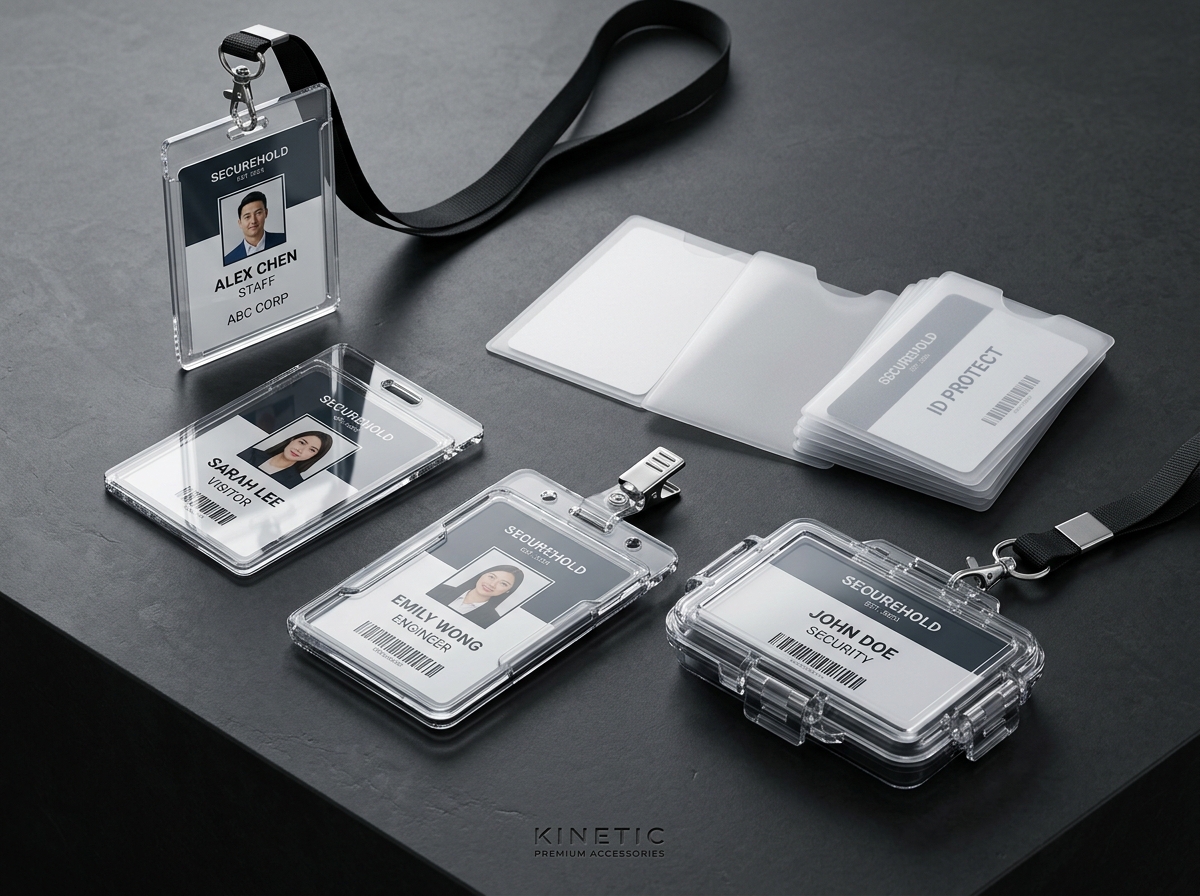
Compare IDGen's V-1, H-1 and V-2 card holders, plus the crystal acrylic option, and learn how to match holder, card layout and lanyard slot.
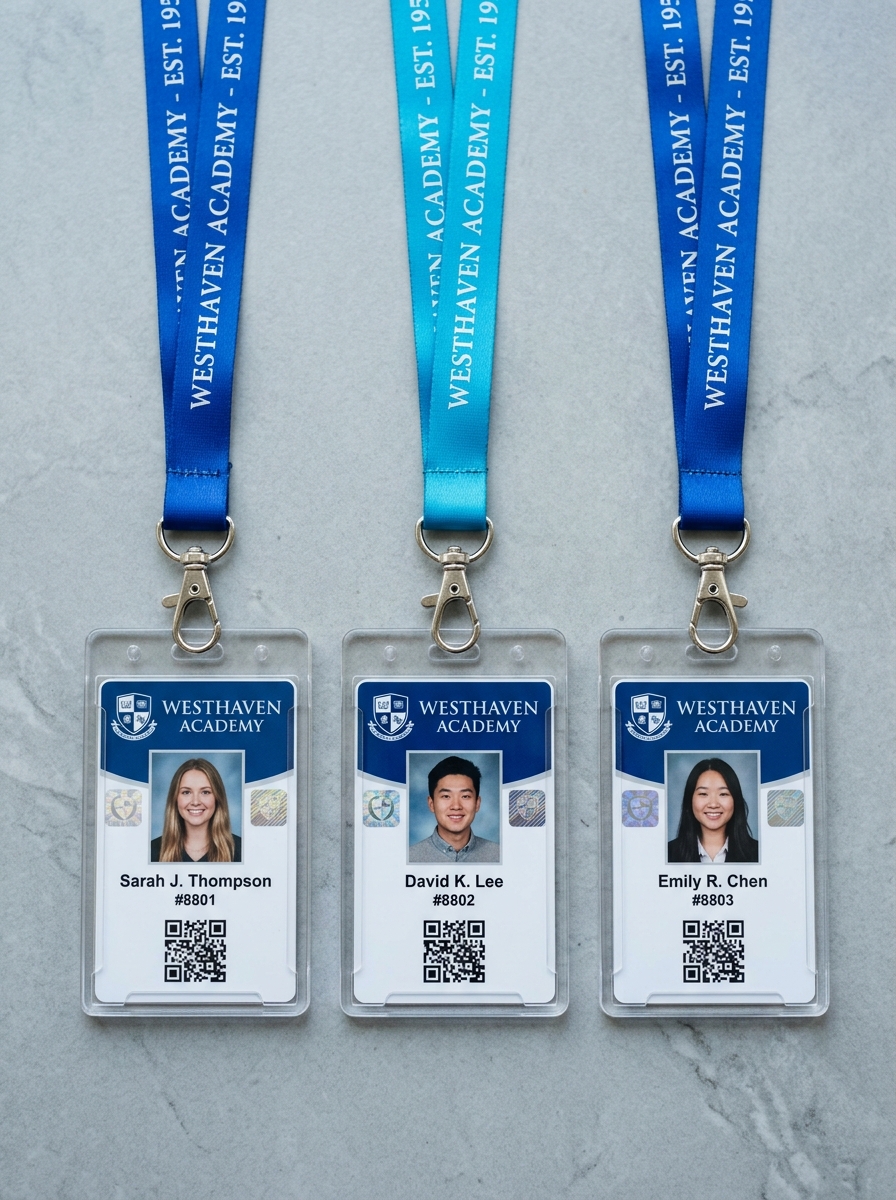
A step-by-step checklist for schools and colleges ordering ID cards: card design, data and photos, accessories, deadlines, proofs and delivery planning.
From student ID cards and ultrasonic lanyards to 13.56 MHz RFID turnstiles, get direct factory quotes and custom digital proofs tailored to your roster.