Digital Workflow6 min read•January 15, 2026

Collecting Student Photos and Data Without the Chaos: A Practical Guide

Why photo and data collection causes most ID card delays, how to run it properly with or without software, and what changes under India's data protection law.

IST
IDGen Studio Team
Digital Onboarding Solutions
Back to All Blogs
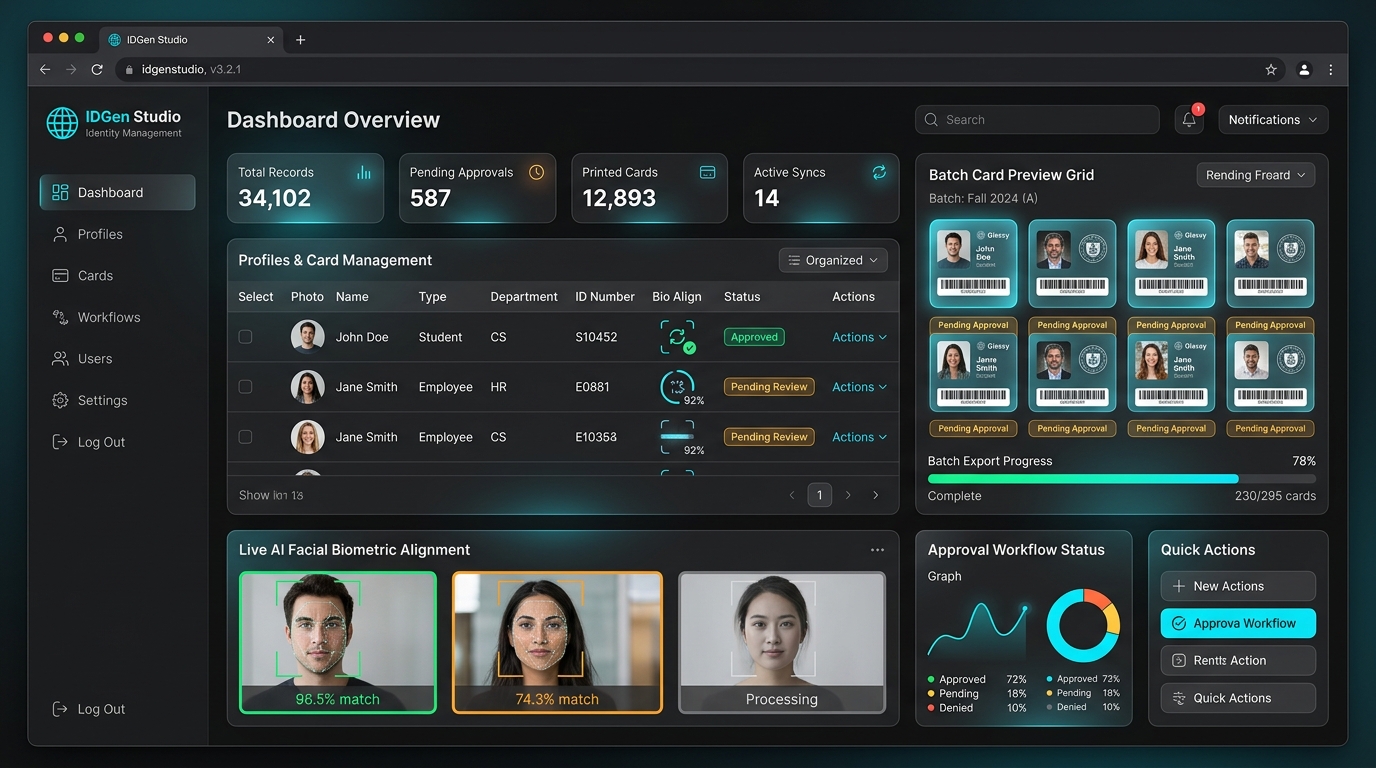
IDGen Studio digital student photo collection and proof approval portal
IDGen Cleanroom Technical Reference • IDGen Studio
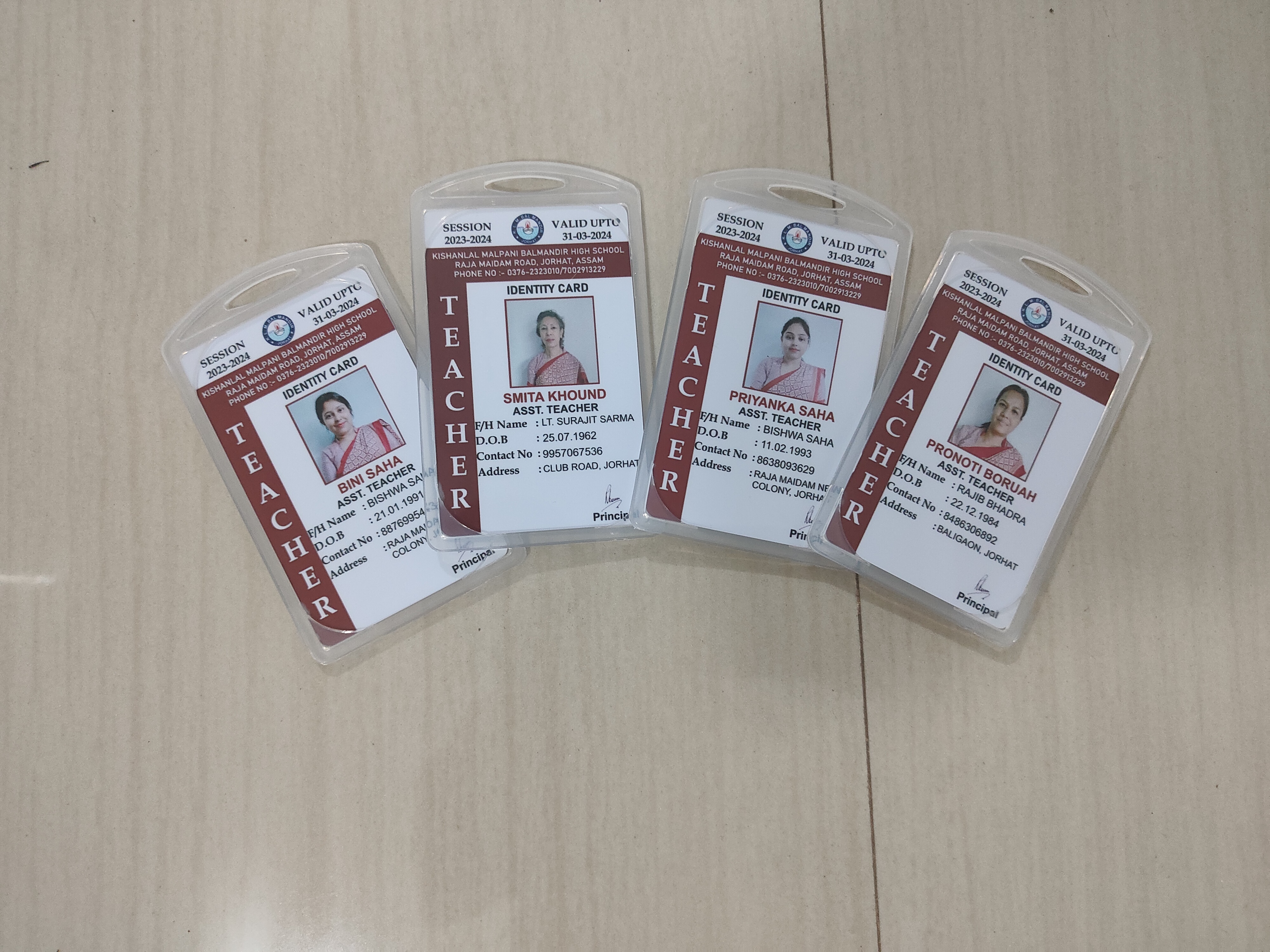
Every year the same scene repeats in schools and colleges. Class teachers collect photos in envelopes, someone forwards fifty pictures over WhatsApp, names are spelt two ways, and a photo meant for roll 17 is saved as roll 71. Then the cards are printed, and the mistakes are on plastic. This guide explains how to collect the data properly, whether you use a spreadsheet or an online tool.
Executive Summary & Takeaways
  • ✓Most ID card delays come from photos and data, not printing.
  • ✓One spreadsheet with one row per person and photos named by roll number prevents most errors.
  • ✓IDGen Studio lets students or staff submit photos and details online; exact features depend on your account setup.
  • ✓In India, student and staff data is personal data. Check the current DPDP Act and rules for what applies to your institution.

1. Where ID card orders actually get stuck

In our experience, the time between the decision to order and the cards arriving is mostly spent on the data. Common causes are photos in different sizes and lighting, cropped heads, a missing class or section, names written in capitals in one place and lower case in another, and files renamed by hand.

A single misnamed photo shifts a person to the wrong card. Since the card has the photo, the name and the number together, any one error means a reprint of that card, and a wrong card in someone's hand.

2. The spreadsheet and photo format that works

Whether you send the data to us or to anyone else, agree this format first.

• One spreadsheet, one row per person. Columns for name, class and section (or department and designation), roll or employee number, date of birth if required, guardian contact, and blood group if you want it printed.

• Names written once, in the form you want printed. Decide on capitals or title case and apply it to every row.

• One photo per person, named by roll or employee number, for example 1042.jpg, so that the file name is the link to the row.

• Photos taken against a plain light background, face straight on, in good light, at a reasonable resolution. A phone photo is fine if it is sharp and the face fills enough of the frame.

• A sample first. Send ten rows and ten photos before the full file so problems show up early.
Name photos by number, never by name

Names are spelt differently and repeated; numbers are unique. A photo named 1042.jpg can only belong to one row.

3. Collecting online with IDGen Studio

If you do not want to chase photos by hand, IDGen Studio is IDGen's digital data-collection workflow. The idea is simple: each class, department or batch receives a link or QR code, and students or staff open it on their phones, check their details and upload a photo. The records reach the print queue in one structured file instead of a pile of messages.

What the portal does for a particular order, such as automatic cropping, background clean-up, approval steps or integration with your records, depends on your account setup, so ask the team which features apply to your order before relying on them.

Whatever tool you use, the principles are the same: one place for data, one version of each record, and a person responsible for approving each batch.

4. Proof and sign-off

Before printing, ask for a proof. A proof is the one step that catches errors people no longer see, like a transposed digit in a roll number or a photo that is a slightly different person's.

Have two people check the proof against the source list: a teacher or department head for names and classes, and an office or admin person for numbers. When both agree, approve in writing. At IDGen the process runs from requirement to data check, proof, approval, production, quality check and dispatch, and orders are dispatched within 72 hours of approval.

5. Handling student data responsibly

Photos, names, dates of birth and guardian contacts are personal data, and for students the data usually concerns minors. India's Digital Personal Data Protection Act, 2023 is now being implemented in phases: the DPDP Rules were notified in November 2025, with the main obligations coming into effect after a transition of about eighteen months, around mid-2027.

The Act treats anyone under 18 as a child and generally requires verifiable parental consent for processing a child's data, but commentary on the Rules notes that educational institutions are given specific exemptions for educational activities and the safety of children. Details and limits matter here, and the commentary differs, so read the current Rules or ask a lawyer what applies to your institution.

Whatever the law says, sensible practice is straightforward: collect only what the card needs, share it only with the people making the card, keep it out of open WhatsApp groups where possible, and delete or return files when the job is done. IDGen treats customer data as confidential project information and uses it only for the printing you authorise.

6. Common mistakes and how to avoid them

These are the mistakes we see most often.

• Collecting photos in a WhatsApp group where files are compressed and names are lost.

• Letting each class teacher choose their own format.

• Not agreeing the name spelling and case before collecting.

• Sending the full file without a ten-row test.

• Keeping student data open to anyone in the office after the job is done.

7. Frequently asked questions

Do we need IDGen Studio to order cards? No. You can send a spreadsheet and photos. Studio is an option for collecting data online.

How should photos be named? By roll or employee number, for example 1042.jpg, so each file maps to one row.

What photo quality is enough? A sharp, straight-on face with a plain light background. Reject blurred or tilted photos at the source.

Who approves the data? Ideally a teacher or department head for names and classes, and an office person for numbers, both on the proof.

Is student data confidential with IDGen? IDGen treats customer data as confidential project information and uses it only for the authorised printing scope.

Related Topic Tags
#IDGen Studio#Student Data#Photo Collection#DPDP Act#ID Card Workflow
IST
Published By Credential Specialist
IDGen Studio Team
Digital Onboarding Solutions

Oversees cleanroom variable-data production, ultrasonic lanyard fabrication, and automated RFID access testing for schools, universities, and enterprise workforces across Northeast India.

Continue Reading

Related Technical Insights

Have an upcoming campus or corporate identity requirement?

From student ID cards and ultrasonic lanyards to 13.56 MHz RFID turnstiles, get direct factory quotes and custom digital proofs tailored to your roster.

WhatsAppCall Now